
Strategies can be used to send an auto email or automatically generate tasks when triggered. Strategies can be triggered on contacts, listings or closings.
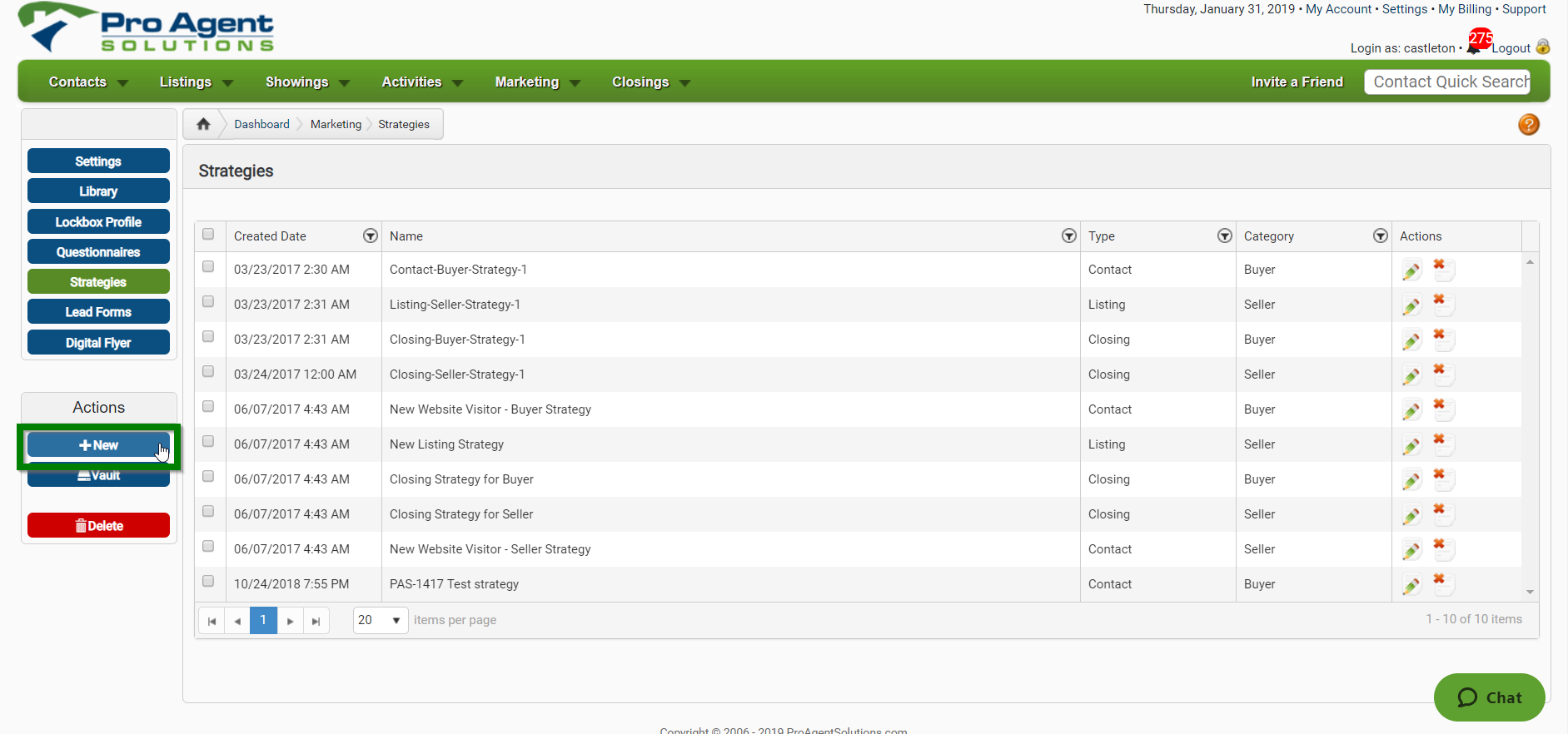
- Go to Marketing>Strategies from your Dashboard

- Click on New to create a new strategy
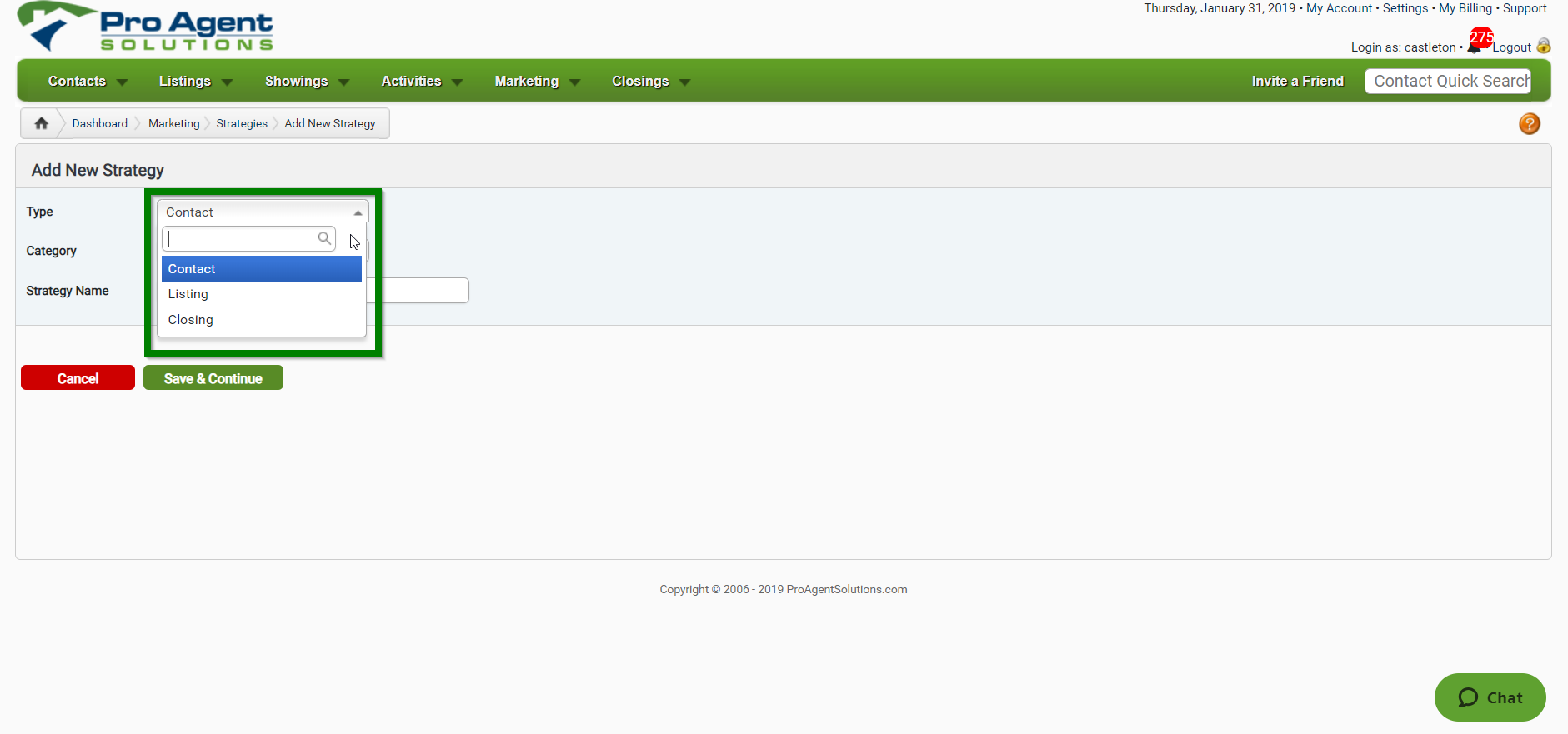
- Select the Type of Strategy
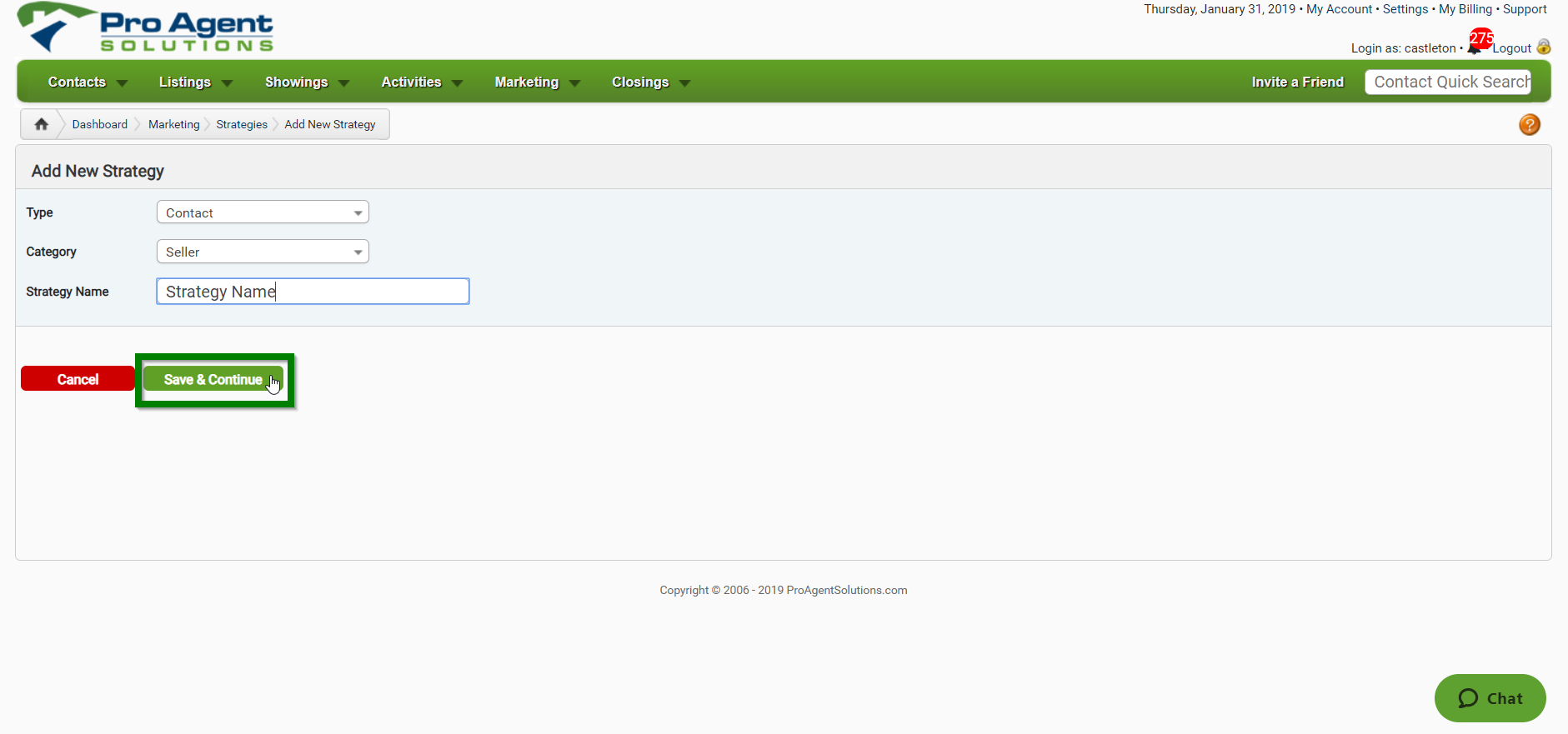
- Fill out the remaining information, and click Save & Continue
- Select the kind of Strategy you are creating
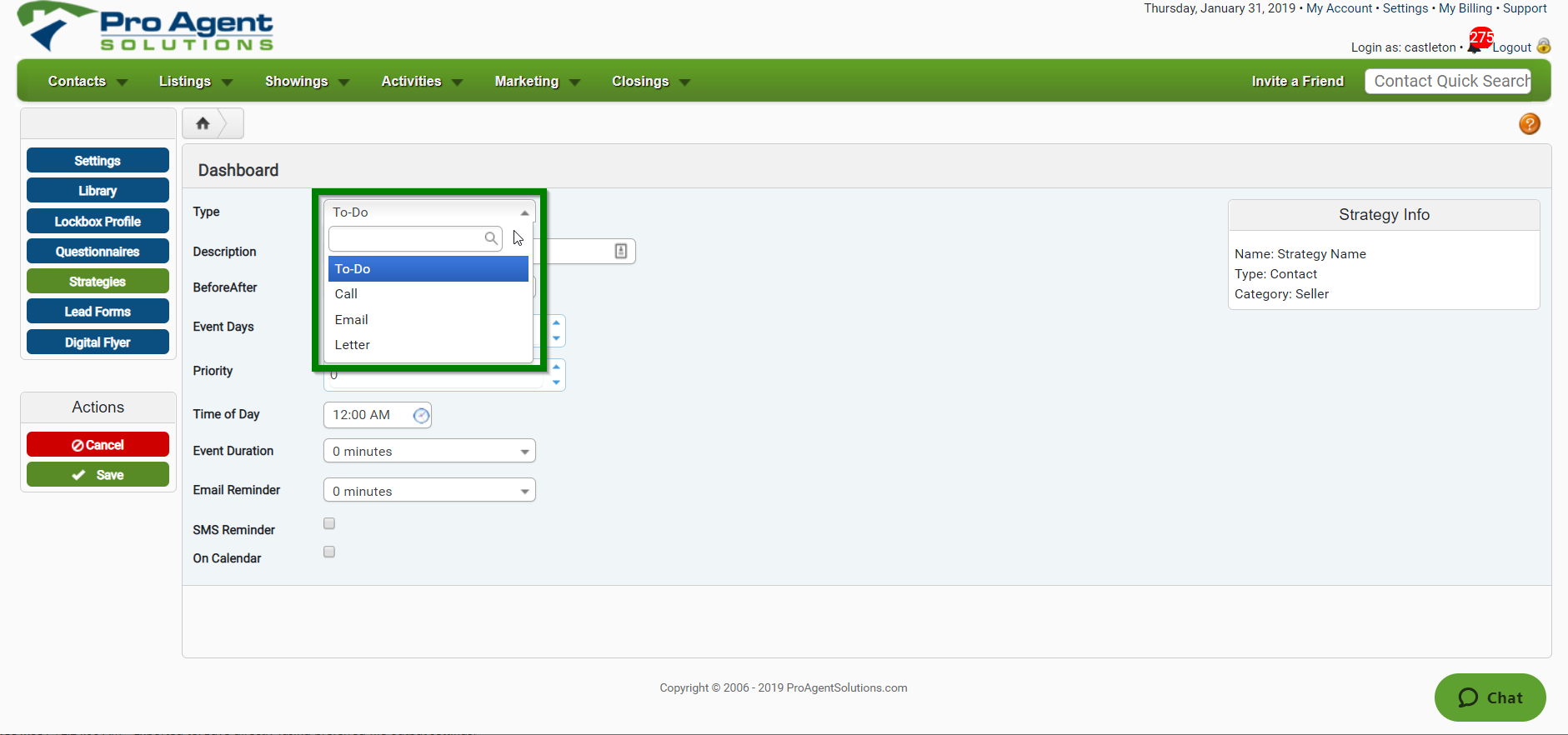
- Fill out the remaining parameters for your Strategy and click SAVE

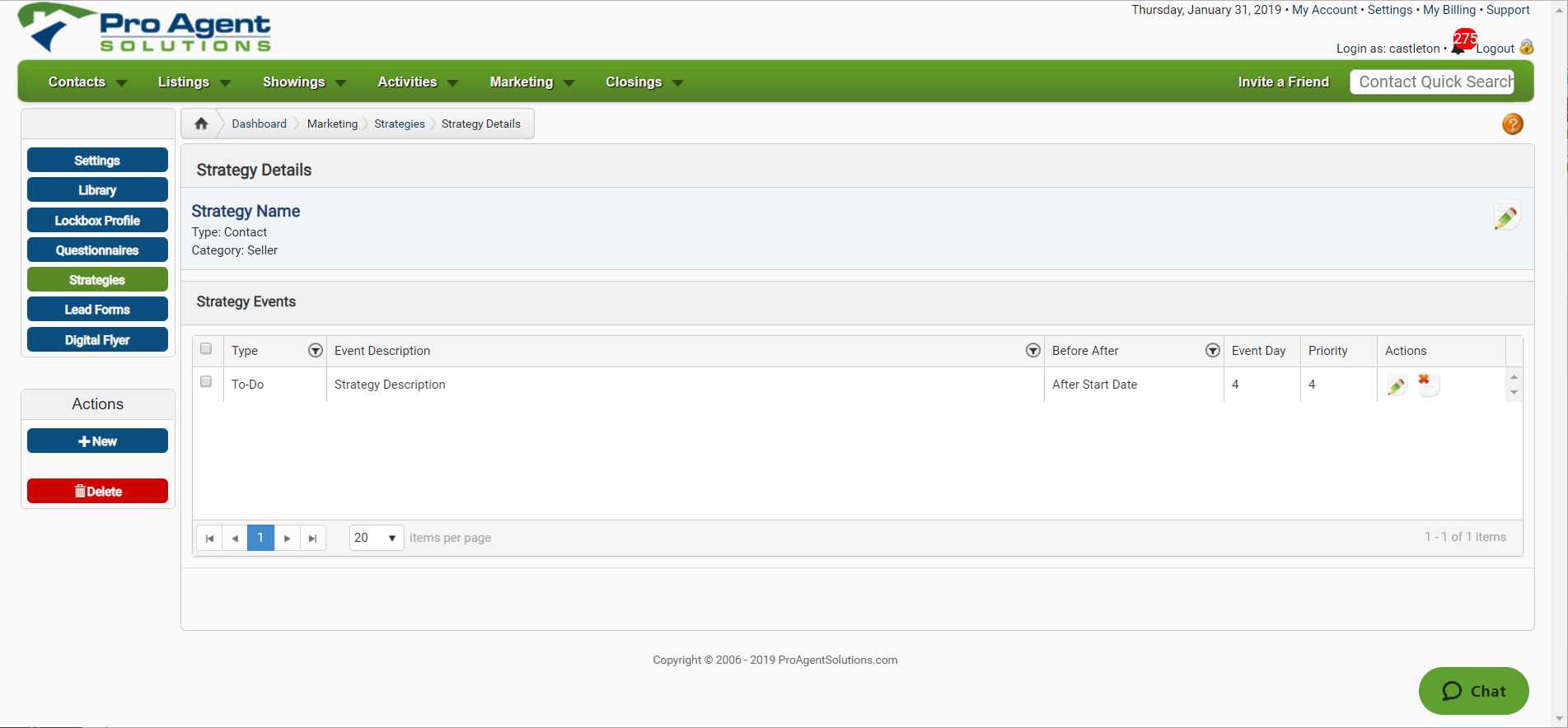
- You will now be able to see your Strategy Details for your New Strategy
Comments
0 comments
Please sign in to leave a comment.