To change your password
- Log in to your Pro Agent Solutions account
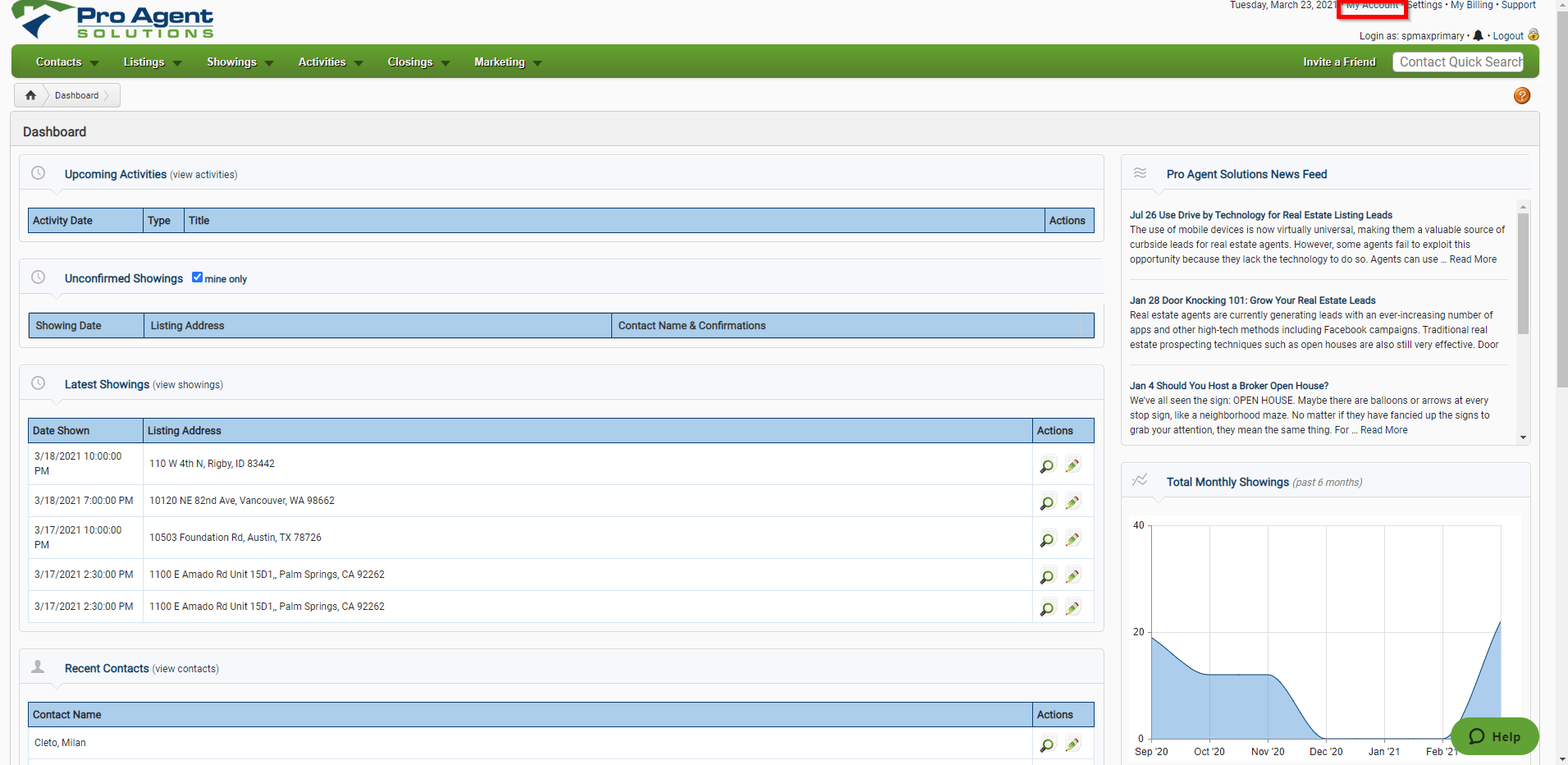
- Click on "My Account" in the upper-right corner
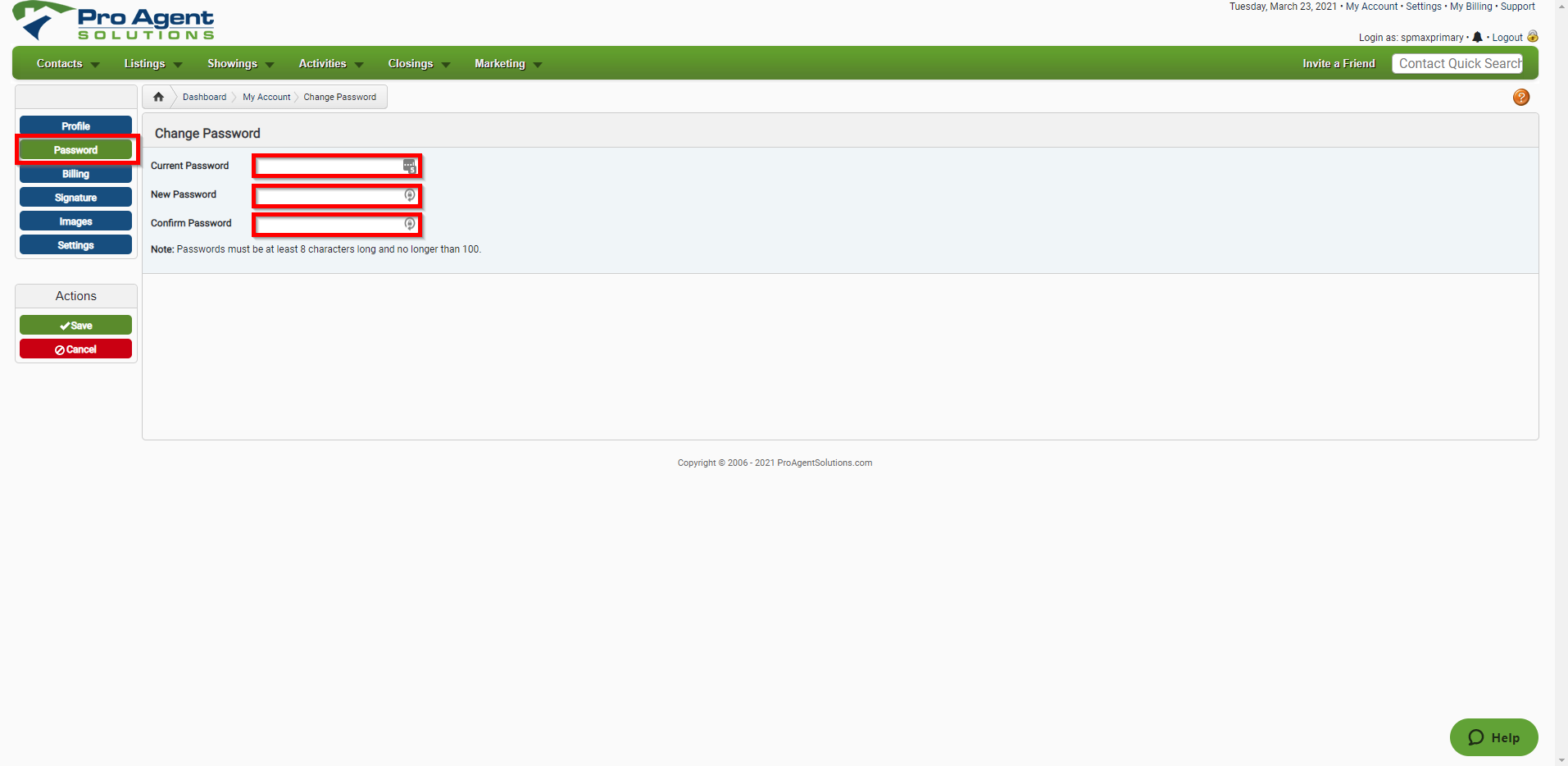
- Click on "Password" and then fill out your old password and new password in the appropriate fields
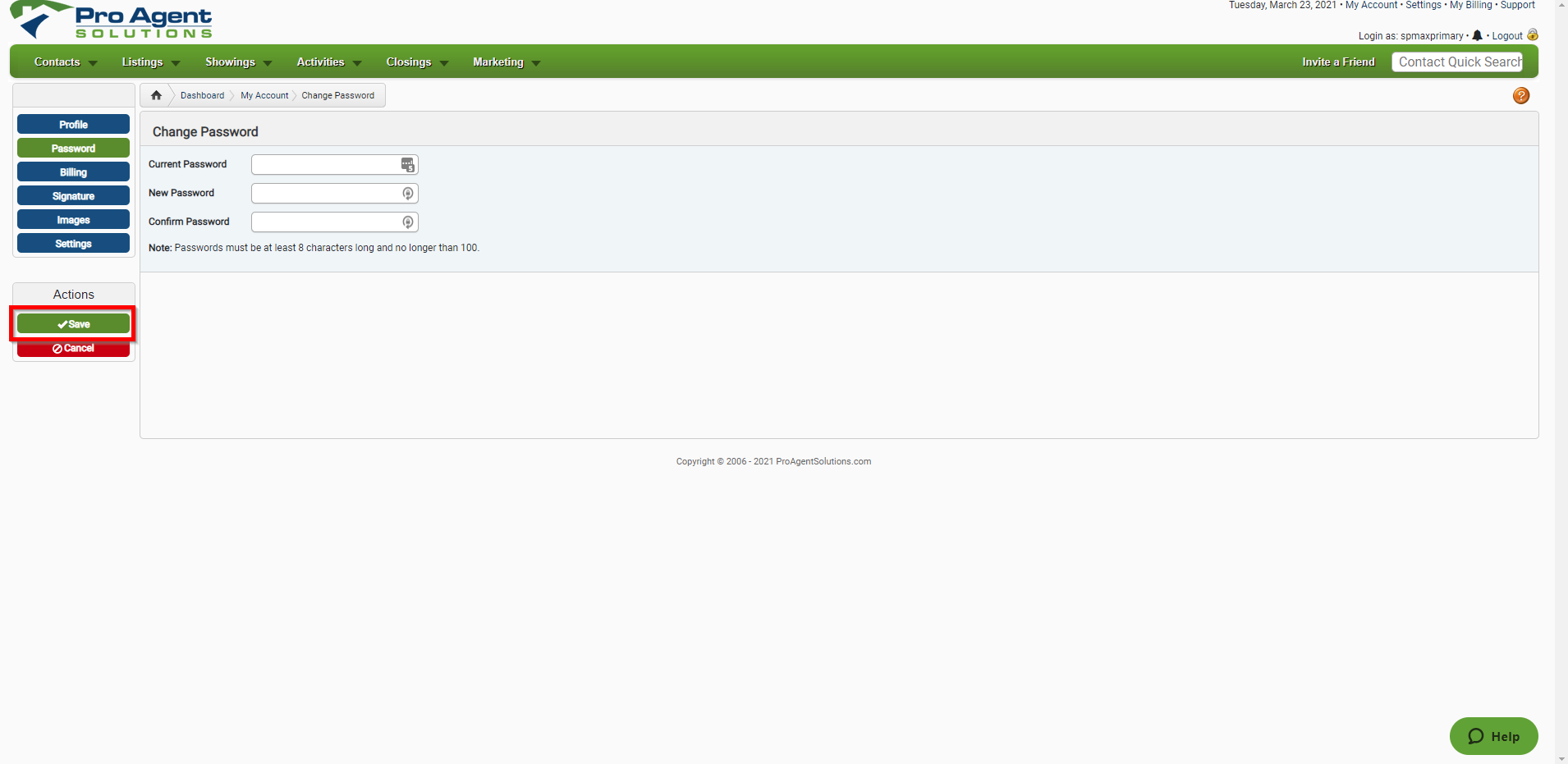
- Click "Save"

To change your password
Comments
0 comments
Please sign in to leave a comment.